Abandoned cart list
In the abandoned cart list, you can view the products that customers currently have in their carts but have not yet purchased.
Accessing the screen
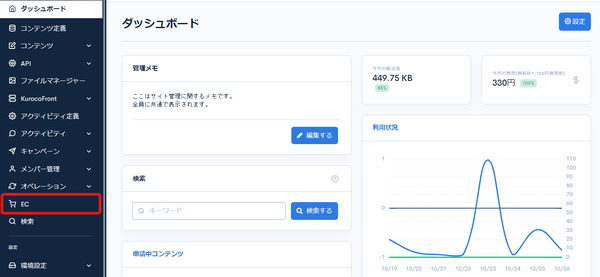
Click [EC].
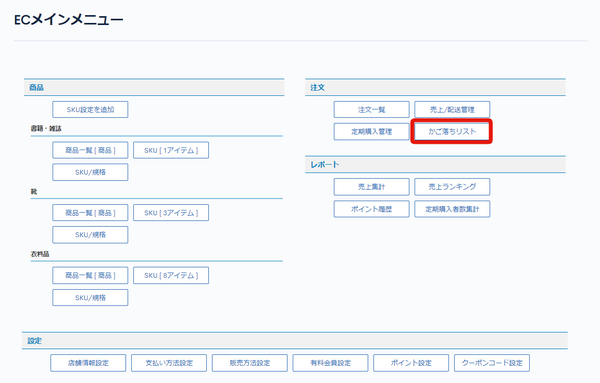
 In the E-commerce main menu, click [Abandoned cart list].
Field descriptions
| Field | Description |
|---|---|
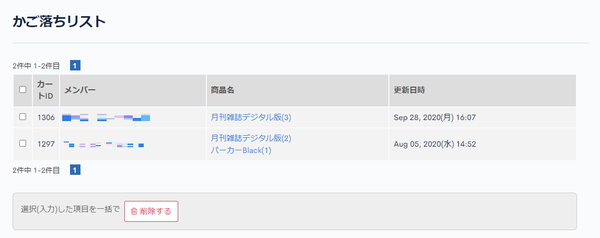
| Cart ID | The ID of the cart. |
| Member | For members: displays the name. For non-members: displays Guest. |
| Product name | The names and quantities of the products in the cart. |
| Last updated | The date the cart was last updated. |
Batch actions
Check the checkboxes at the left of the list and click [Delete] to apply the action to the selected abandoned carts at once.
Related documents
Support
If you have any other questions, please contact us or check out Our Slack Community.