Point history
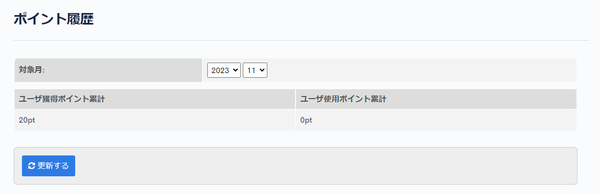
In Point history, you can view the points earned and used by users.
Accessing the screen
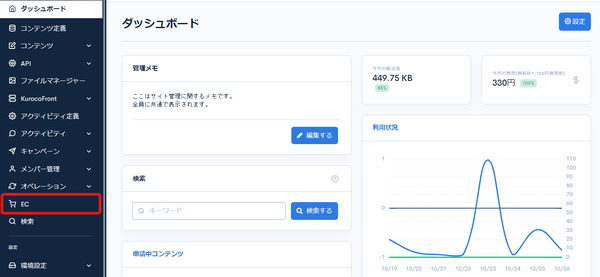
Click [EC].
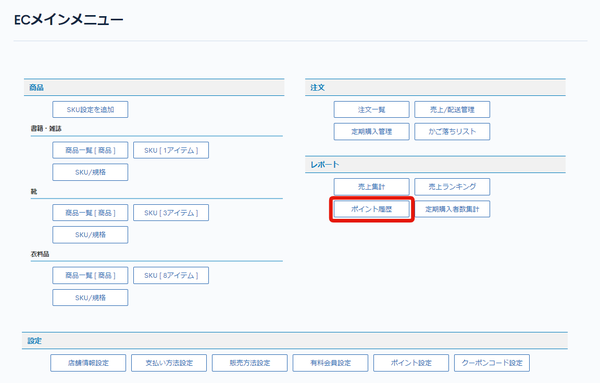
 In the E-commerce main menu, click [Point history].
Field descriptions
| Field | Description |
|---|---|
| Target month | Set the month for which to view the point history. |
| Total points earned by users | Displays the total points earned by users. |
| Total points used by users | Displays the total points used by users. |
| Update | Click to update the point history display. |
Related documents
Support
If you have any other questions, please contact us or check out Our Slack Community.